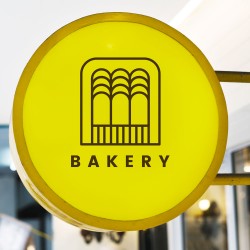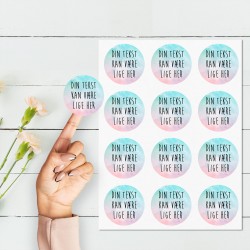
Your 2-colour logo as a sticker
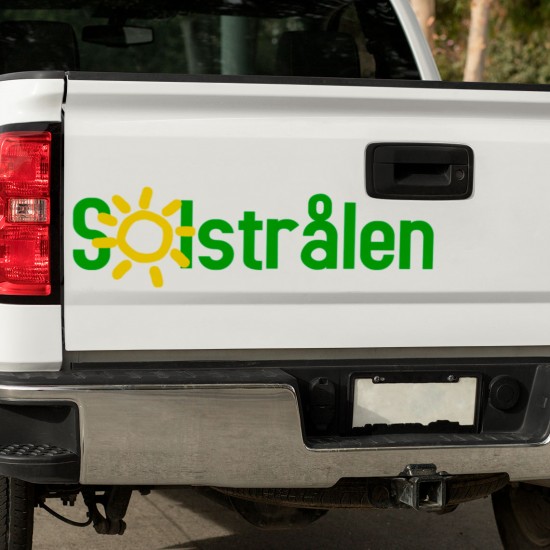
Create a professional sticker with your own logo
Make your company logo stand out with our 2-colour stickers! Our stickers can be applied to any clean and smooth surface, including cars, windows, signs, and much more.
By choosing our application squeegee, you can achieve the best possible result and easily apply your sticker yourself. Please note that since each colour on your sticker is made separately, you will receive your sticker in 2 parts/colours. But don't worry, the application is done in the same way as all other stickers - first one colour, then the other.
With our service, you can get a personalised draft showing you how your sticker will look with your own logo. This way, you can visualise your product before taking the final step and ordering. It's the perfect way to customise your product to your wishes and needs.
Order today and get a 2-colour sticker with your own logo that will stand out from the crowd. With our stickers, you can easily increase your visibility and advertise your business effectively. So why wait? Order now and experience the difference!
How to order :
- Choose the colour of your sticker
- Then write what should be on the first line
- Choose which font you wish to use for your first text line
- It is optional whether you want to use a second text line; if you wish to use it, write your text and choose a font for it
- Text placement means you can choose how the text should be arranged
- Then you need to choose one of the many pre-made logos
- Logo placement means you can choose how the logo should be placed in relation to your text. The green icon shows the logo placement
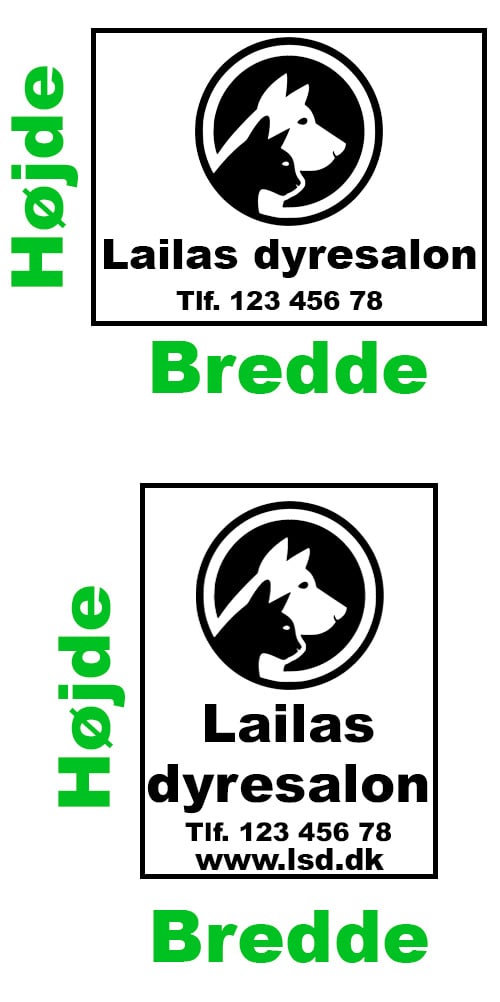
- You must choose a max width and max height for your sticker. We will make sure it fits so it doesn't get stretched.
- Should the sticker be mirrored? For example, if you need to apply your sticker to the inside of a window for people outside to read, you can choose to have it mirrored.
.jpg)
Tips for creating the perfect 2-colour sticker with a logo:
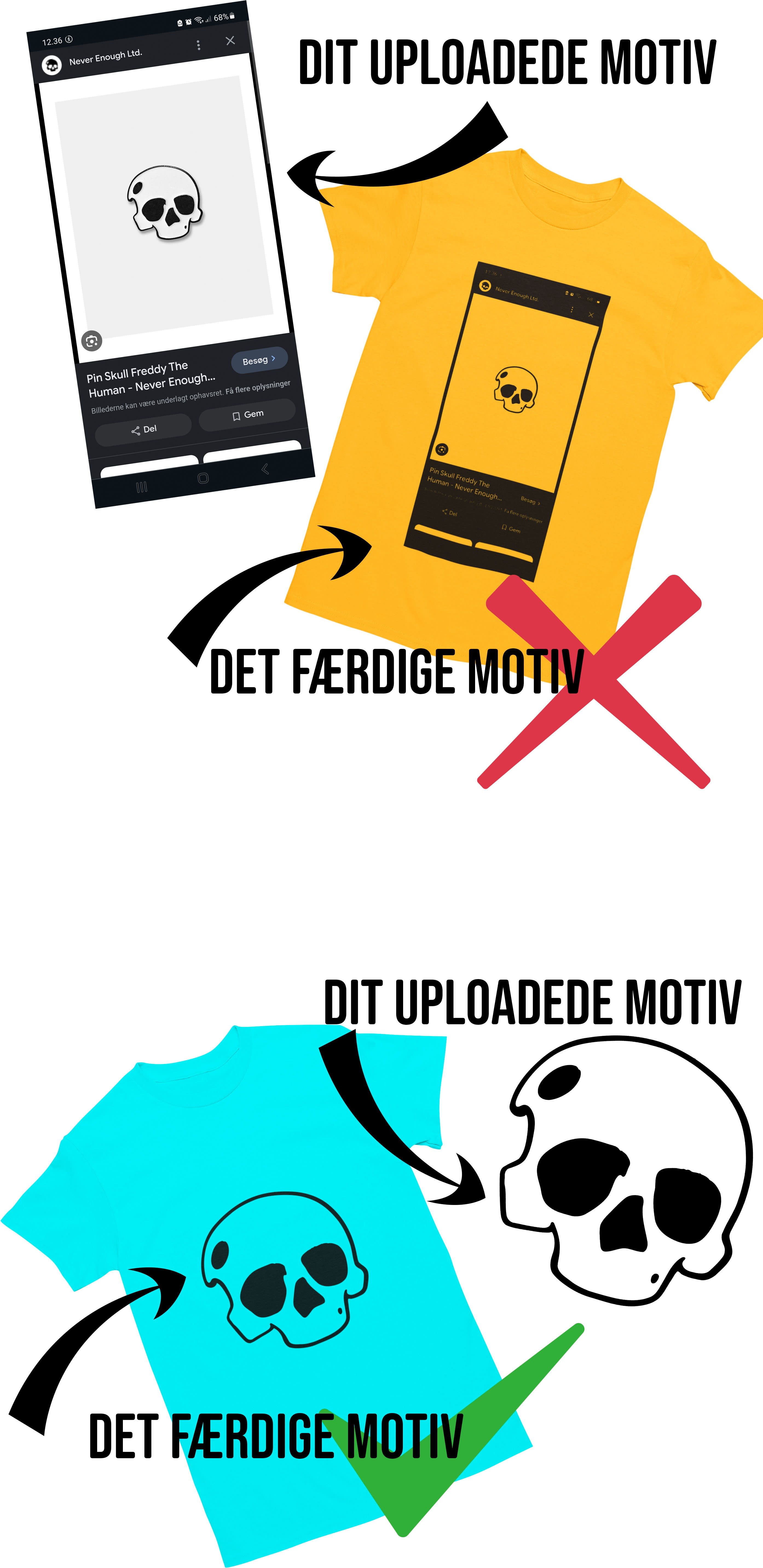
- Choose your logo in high resolution: To achieve the best result on your 2-colour sticker with a logo, it is important that your logo is in high resolution. The higher the resolution, the better the quality of your sticker. If you are unsure about the resolution of your logo, please contact us so we can help you.
- Choose colours that suit your brand: When designing your 2-colour sticker with a logo, you should choose colours that suit your brand. It can be a good idea to choose colours that match your company's colours or colours that are in harmony with your logo. You can also choose colours that contrast with your logo, so your sticker stands out.
- Use our application squeegee: To achieve the best result when applying your 2-colour sticker with a logo, we recommend using our application squeegee. This will ensure that the sticker is applied correctly and without air bubbles, so it lasts longer.
- Choose an appropriate size: When ordering your 2-colour sticker with a logo, it is important to choose the right size. If the sticker is to be applied to a car, it must be large enough to be visible, but not too large to distract from the car's design.
- Order your draft in good time: To achieve the best result on your 2-colour sticker with a logo, you should order your draft in good time. This will give you plenty of time to see how your sticker with a logo looks and make any changes before ordering the final version.
With these tips, you will be able to design the perfect 2-colour sticker with a logo that will stand out and help create a unique identity for your brand.


- : På lager – hurtig behandling
Available Options



From the Same Category


Customers also bought