Full Colour Photo Print Heat Transfer Vinyl


NE!
Colourful photo prints for your clothing
Siser EasyColor DTV is a big innovation in heat transfer vinyl that takes photo printing to new heights.
With Siser EasyColor DTV, it's possible to get a photograph, logo, or other colourful design on your fabric. Where previous products on the market for photo transfers had certain limitations, Siser EasyColor DTV opens up a world of possibilities, providing beautiful and durable solutions.
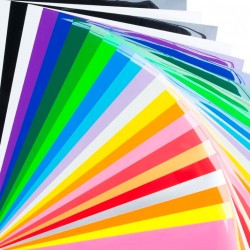
Siser DTV is a white, super soft and very stretchable heat transfer film, which allows for beautiful colour prints in all sizes.
Use this tool to remove the background from your image
You can remove the background from your image via https://www.pixelcut.ai/t/background-remover.
How to order:
- Upload your image, preferably in the highest possible resolution and size for the best result.
- State the desired size for your heat transfer vinyl. The size, e.g., 4 cm, applies to the entire sheet.
Note: for smaller sizes, we will fill the sheet with as many designs as there is space for.
The sheet is A4 size and can typically fit 12 transfers at 6x6 cm or, for example, 24 pieces at 4x4 cm.
Product info:
Siser EasyColor DTV photo prints can be applied to both light and dark fabrics.
The material is PU - white matte film - Oeko-tex and VeganOK certified
The material thickness is 100 micron/my (1/10 mm corresponds to 100 micron or, in Danish, 100 my)
Can be transferred to all colours of cotton, polyester, and blended fabrics.
NOTE The print's colours only truly emerge once the film is applied to the fabric.

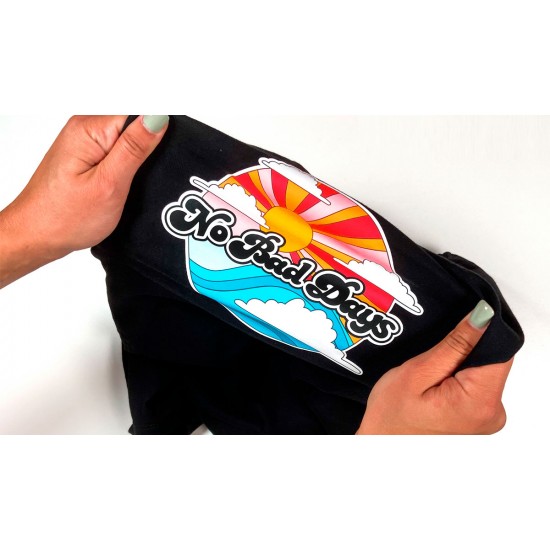
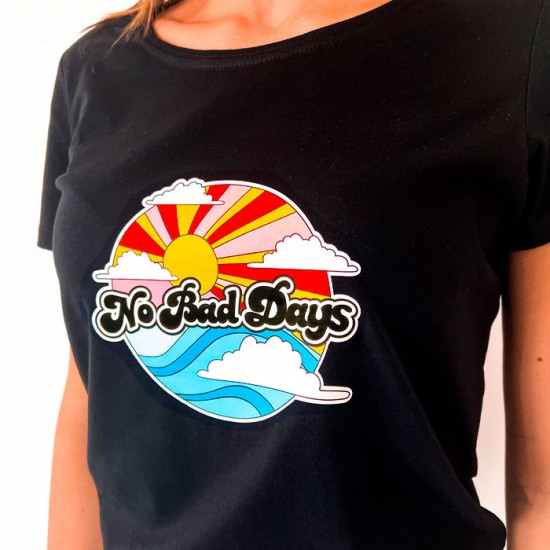
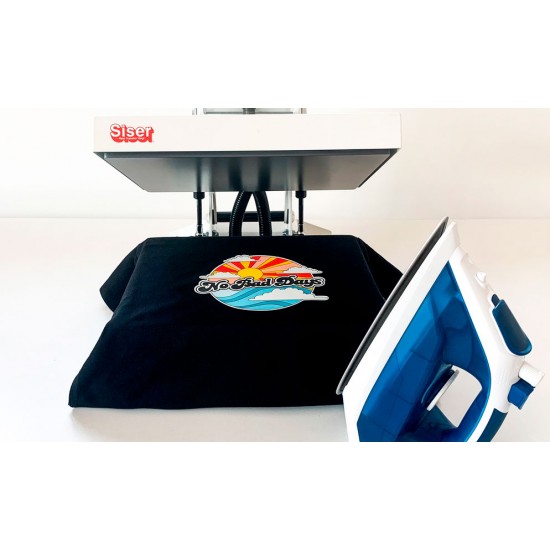
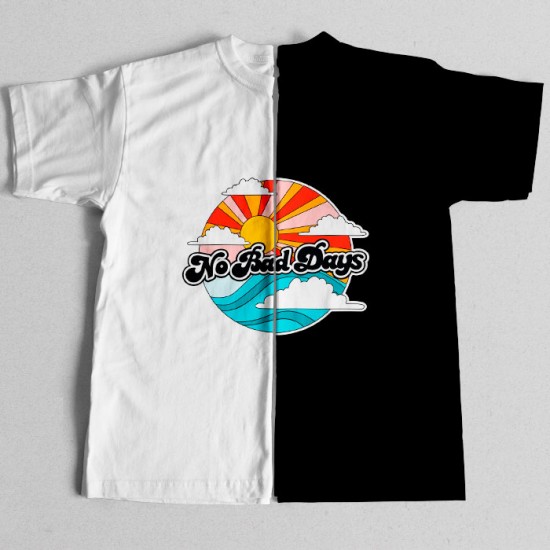
NOTE : For logos like the one below, where there is text or several smaller parts, a white background (contour) will be added where there is no design. This is to allow you to easily apply your heat transfer vinyl, as it would otherwise consist of many individual loose parts, and the result would be affected. The contour also has the advantage that your logo will be clearer to see on dark fabrics. This is also why logos with white elements or text will not be visible on the heat transfer vinyl itself. 

Siser EasyColor DTV heat transfer vinyl can be washed at 40 °C and can withstand 15 - 20 washes before the colours start to fade slightly.
We do not recommend tumble drying the garment.

Please note, this is NOT to be confused with sublimation.
| Specifikationer | |||||||||||
| Kan monteres på: |
| ||||||||||
| Montering: |
| ||||||||||
| Teknisk data: |
| ||||||||||
| Vaske instruktioner: |
| ||||||||||


- : På lager – hurtig behandling
Available Options
Upload your image / photo
You can upload the following file formats:
- Jpg
- psd
- png with a transparent background if you do not want a background on the finished result
We print what you upload and do not edit your file.
We recommend uploading images that are as large as possible, preferably at least 1500 x 1500 pixels, to achieve the best result. Files uploaded at a lower resolution and size may reduce the quality of the finished result.
You should not scale down your image to the requested dimensions; we will take care of this for you. It is important that the image you upload is as large as possible to achieve a good result.
Images with white text or white elements will not be visible because they are printed on white vinyl. We recommend adding an outline around white elements so they are visible against the white background.
The image you upload will correspond to the finished product.
Remove the background from your image
You can use https://www.pixelcut.ai/t/background-remover to remove the background from your image.
Lines thinner than 1 mm do not reproduce well in the print and should not be expected to be printed.
For logos such as those shown below, where there is text or several smaller parts, a white background (contour) will be added in areas without a design. This makes it easier to apply your iron-on transfer, as otherwise it would consist of many separate loose pieces and the result would suffer. A contour also makes your logo easier to see on dark textiles. This is also why logos containing white elements or text will not be visible on the iron-on transfer.
The size of your iron-on transfer
Please state the size of your design. For smaller designs, we will fill the sheet with as many as possible. You can provide the width, height or both, but do not enter only "20" without stating whether this refers to the height or width.
The sheet is A4 size, but margins and cutting lines require a little space. As always, you will receive a layout that corresponds exactly to the finished result.

Contour cut
We offer contour cutting for your iron-on transfer. When we contour cut, we cut around your design. This may be with or without a white border, depending on the appearance of your image or logo.
If you have, for example, a square family photo, you can easily cut it out yourself with scissors. However, if you need several smaller logos, we can easily do it for you.
Please be aware that selecting contour cutting leaves slightly less usable space because cutting margins are required.
Would you like a design without a background?
Remember that you must upload a PNG file without a background to achieve this.
When is contour cutting beneficial?
If, for example, you want a square family photo printed as large as possible, we do not recommend contour cutting. However, if you want a sheet containing many small iron-on transfers, contour cutting can be beneficial because we can cut precisely around each design.
You can easily cut out your design yourself with scissors.
As mentioned above, contour cutting takes up a little space, so your family photo cannot be quite as large.
Below you can see two identical images. The difference is that the first has not been contour cut, while the second has and is therefore slightly smaller.