Create Your Own Custom Logo Sticker

Create Your Own Custom Design
Create a unique sticker with your own design that represents your company. Choose a colour, size, and text that fits your brand and style. Let your creativity flow and create a unique sticker that will stand out and attract attention. With our user-friendly design software, you can easily create your own design, so you get exactly the sticker you want.
Get more visibility
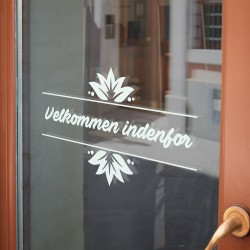
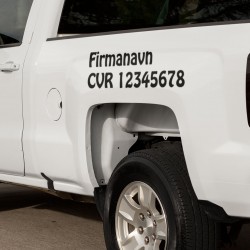
With a personalised sticker with your company logo, you can create more visibility for your brand. You can easily apply the sticker to any smooth surface, such as cars, windows, and signs. This will give you the opportunity to advertise your company on the go or in your store. It's a simple and effective way to increase your visibility and create awareness around your brand.
Easy and quick installation
We recommend using our installation tools to get the best result when applying your sticker. With this tool, you will avoid air bubbles and ensure that your sticker sits perfectly on the surface. The installation tool is easy to use and will make the installation process quick and easy. Now you can easily and quickly apply your personalised sticker and create more visibility for your brand.
Note: When you enter your own information, it is not possible to create a preview here on the page, but we will create a layout for you when you have ordered so you can see how your sticker will look, and if you have any changes, we will make them until you have the product you want.
So, how do you order:
- Choose the colour of your sticker from the colour palette
- Then write what should be on the first line, for example, the company name
- Choose the font type you want to use for your first text line.
See how the font looks in the text example section. - It is optional to use the second text line, if you want to use it, write your text and choose a font type for it.
- Text placement means you can choose how the text should be arranged.
- Then choose one of the many pre-designed logos.
- Logo placement means you can choose how the logo should be placed in relation to your text.
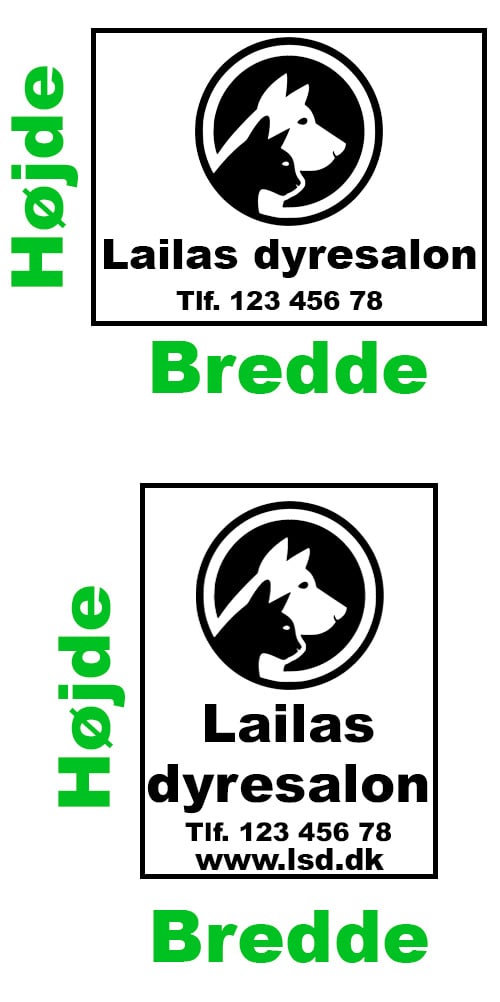
The green icon shows the logo placement. - You must choose a maximum width and maximum height for your sticker. We will make sure it fits without being stretched.
- Should the sticker be mirrored? If, for example, you want to apply the sticker to the inside of a window so that people outside can see it, you can choose to have it mirrored.
In doubt about something? Use the yellow MORE INFO button for further information, or send us an email to kontakt@strygestof.dk

Choosing the size
The smartest thing to do is to measure the place where you want to place the sticker, measure how much it can fill. When you have set up the sticker here on the page, you must decide whether the sticker is as high as it is wide, or if it is, for example, twice as wide as it is high. You pay for the measurements you choose, and we will not change your setup.
Example: If you design a very wide sticker that is not particularly high and choose 30x30cm, the final result will probably only be 30x10cm.

- : Kan afsendes om 1-2 dage
Available Options



















Fra samme kategori


Customers also bought